Dust, moisture and heat can damage a home-theatre console faster than ordinary living-room furniture because it surrounds powered equipment, cable openings and ventilation paths. You will learn how to clean each finish safely, protect cabinets during Pune’s monsoon, check installation risks and decide when a repair needs hardware adjustment or panel replacement.
Key takeaways
- Unplug every device before cleaning home theatre furniture.
- Use microfiber cloths and clean from the top down.
- Keep vents open and protect modular panels from moisture and direct sun.
- Repair loose hardware, swollen panels and cable damage before they spread.
Build a Safe Cleaning Routine for Every Surface
Start with every television, amplifier, soundbar, console and power strip switched off and unplugged. This is the foundation of home theatre furniture care: clean from the top down with a soft microfiber cloth, then dry each surface immediately.
- Laminate: Wipe with a slightly damp cloth and mild, diluted soap. Keep water away from joints and edge bands.
- Veneer and painted panels: Use a barely damp cloth, then a dry wipe. Never scrub raised grain, chipped paint or swollen edges.
- Acrylic: Use a clean microfiber cloth; trapped grit can create fine scratches. Avoid paper towels and abrasive cleaners.
- Glass: Apply glass cleaner to the cloth, not the panel, so liquid cannot run into frame joints, sockets or LED channels.
- Metal handles and hinges: Wipe with a damp cloth and dry fully. Do not use metal polish unless the hardware manufacturer permits it.
- LED panels and screens: Use a dry microfiber cloth, or the screen maker’s approved cleaner. Never spray directly onto either surface.
Use a dry cloth around equipment vents and cable openings, and leave the manufacturer’s ventilation clearances around receivers, amplifiers and media servers. Do not push cables aside sharply: keep power, signal and speaker cables identifiable, unpinched by doors, and formed into a loose service loop.
During Pune’s monsoon, wipe spills at once and check unsealed panel edges for swelling; never close cabinetry over a damp wall. Mark calibrated speaker and acoustic-panel positions before cleaning so you can return them precisely.
Remove Dust Without Driving It Into the Equipment
Switch off the television, amplifier, console, and soundbar before dusting around them. Let hot equipment cool, then unplug the power strip only if you can do so without disturbing cable connections. Never spray cleaner near sockets, cable openings, or ventilation slots.
Use a soft detailing brush to loosen dust, then collect it with a vacuum’s brush attachment set to low suction. Work from the outside edge toward yourself so debris leaves the cabinet instead of entering it.
- Vacuum AV receiver and amplifier vents from the surface. Do not push a nozzle into the grille or use compressed air, which can drive dust deeper.
- Brush speaker grilles lightly. Remove a grille only when the manufacturer provides removal instructions, and keep liquid away from acoustic fabric.
- Clean cable openings with a small dry brush or flexible cleaning wand. Leave power, signal, and speaker cables identifiable, with a service loop rather than a tight coil.
- Use a narrow vacuum attachment for compartments, keeping it clear of circuit boards, ports, and exposed connectors.
- Wipe the cabinet around equipment with a barely damp microfiber cloth, then dry it immediately.
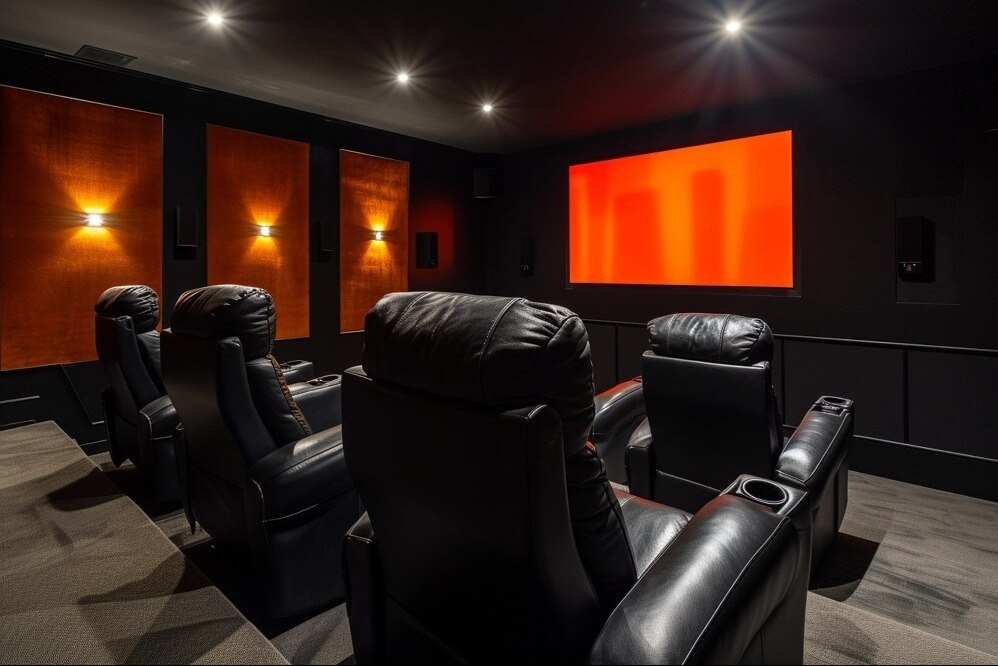
Good home theatre design with modular access panels makes furniture care in Pune safer: you can reach dust and cables without dismantling finished cabinetry. Keep amplifier, media-server, and subwoofer clearances exactly as specified by each manufacturer; a closed compartment can trap heat and trigger shutdown.
Control Pune Moisture, Heat and Sun Exposure
Monsoon humidity can swell MDF and particleboard, especially at unsealed cut edges. Damp walls and floor-level seepage can lift edge bands, loosen joints and create a musty cavity behind the unit. Do not close wall panels over active dampness or place cabinets against visibly wet walls.
Prevent moisture, heat and sunlight damage with these controls:
- Wipe spills immediately; flooding laminate, veneer or board surfaces drives water into joints.
- Keep amplifiers, AV receivers and media servers within each manufacturer’s specified clearances. Closed storage without ventilation traps heat, shortens equipment life and can trigger thermal shutdown.
- Leave power, signal and speaker cables identifiable, unpinched and free of sharp bends. Keep a service loop and provide a removable access panel.
- Use blinds, curtains or UV-filtering film where sunlight falls directly on the unit. Rotate loose cushions to even wear, but UV fading cannot be reversed.
- Check panel edges after heavy rain for swelling, lifting or soft spots before the defect spreads.
For modular furniture maintenance in Pune, record the cabinet location, board finish, hardware model, dimensions, defect photographs and whether water entry or movement caused the damage. That evidence helps a technician distinguish an adjustable hinge or runner problem from a failed substrate, avoiding unnecessary panel replacement.
Inspect Loads, Hardware, Cables and Ventilation After Installation
Start by checking that every component sits on the support intended for its weight. This inspection is part of home theatre furniture care: confirm the shelf is level, the bracket is tight, and no board edge is bowing beneath an amplifier, receiver, subwoofer or media server.
- Check shelf brackets and concealed fixings for movement, cracked laminate, pulled screws or enlarged holes. Confirm the fixing method suits the board type and the hardware carries a stated load rating.
- Open and close hinges, lift-up doors, pull-down panels and runners five times. Stop if a door drops, a runner binds, or a gas stay cannot hold the panel; equipment that fits physically can still exceed the mechanism’s rating.
- Trace power, signal and speaker cables. Keep them identifiable, unpinched by doors, free from sharp bends and separated from hot equipment. Leave a service loop and keep the removable access panel usable.
- Compare ventilation gaps with each device manufacturer’s clearance instructions. A closed compartment around an AV receiver or amplifier can trap heat, trigger shutdowns and shorten component life.
| Point | Safe check | Warning sign |
|---|---|---|
| Shelf | Level, firm, no deflection | Bowing or loose bracket |
| Hinge or runner | Smooth travel, rated load | Dropping or binding |
| Cable route | Loose loop, labelled path | Pinching or tight bend |
| Ventilation | Clear intake and exhaust | Hot, enclosed compartment |
After a spill, inspect the underside, rear panel and floor-level joints, not just the visible surface. Also report mud tubes, pinholes, frass or hollow-sounding boards for a wall, skirting and concealed-joinery inspection before replacing a panel. Mark calibrated speaker positions before moving them.
Choose the Right Repair Before a Small Defect Spreads
A misaligned door, stiff runner or loose bracket is an adjustment or re-fixing job when the panel remains flat, dry and firm. Replacement becomes necessary when MDF or particleboard has swollen, delaminated, cracked around fixings or lost its holding strength; sanding cannot restore its original thickness.
| Option | Signs | Correct repair |
|---|---|---|
| Adjustment or re-fixing | Door gaps are uneven, hardware is loose, or a shelf has shifted while the board remains sound | Align hinges, reset runners, reinforce screw holes, or install a stronger fixing |
| Panel or edge replacement | Edge banding is soft, board faces are swollen, or laminate is lifting from a damp substrate | Replace the affected panel or damaged edge section after stopping the water source |
| Building and furniture inspection | Mud tubes, pinholes, frass, hollow-sounding boards, or repeated insect activity appear | Inspect skirting, wall-floor junctions, concealed backs and nearby joinery before fitting new panels |
For modular furniture repair in Pune, give the technician a usable record rather than saying “the TV unit is loose”:
- Cabinet location, panel dimensions, board finish and a clear photograph showing scale
- Hardware brand or model, the affected hinge, runner, bracket or fixing, and the symptom
- Whether the defect followed water entry, monsoon dampness, equipment heat, impact or furniture movement
- Photos of swelling, peeling edges, insect evidence and nearby wall or skirting
- Cable routes, access-panel position and the marked locations of furniture-mounted speakers or acoustic panels
Renewed Interior can use these details to separate a serviceable adjustment from replacement and avoid dismantling finished cabinetry unnecessarily. Mark calibrated speaker positions before any repair.
Related products
 | Interior Upgrade your living room with a beautifully designed TV unit that combines style and utility. View product → |
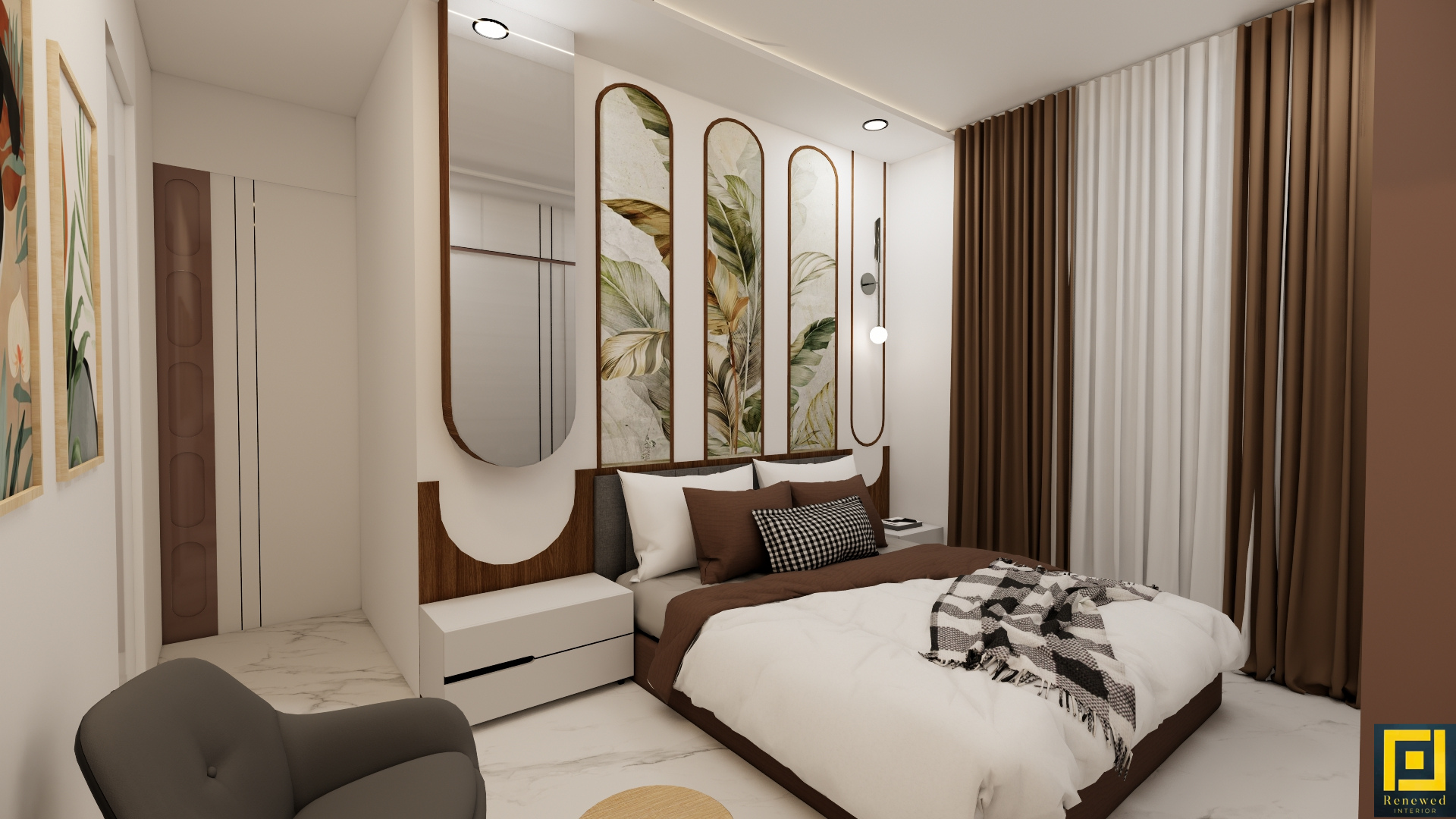 | Interior Modular Furniture (Beds, Study Tables, Storage) Get factory-finished modular furniture such as beds, study tables, storage units, shoe racks, and kitchen trolleys. View product → |
Frequently asked questions
How should you clean home theatre modular furniture safely?
Switch off and unplug the television, amplifier, soundbar, console and power strip. Dust from the top down with a soft microfiber cloth, then dry each surface immediately.
How can you control Pune moisture, heat and sunlight?
Keep furniture away from direct afternoon sun, leave ventilation gaps around equipment, wipe spills immediately and maintain airflow around enclosed cabinets.
What should you inspect after installing home theatre furniture?
Check cabinet loads, hinges, drawer runners, wall fixings, cable bends, power-strip condition and ventilation openings. Tighten loose hardware and keep cables from blocking vents.
When does modular furniture need repair instead of cleaning?
Arrange repair for swollen or peeling panels, loose hinges, sagging shelves, damaged cable outlets, unstable wall units or cracks that continue growing after cleaning.