
A living room becomes genuinely smart when automation solves daily problems without making lighting, entertainment or maintenance dependent on one app. By the end, you will be able to match features to your room, wiring, budget and household habits, then plan a system that remains usable when the internet or power fails.
Key takeaways
- Use occupancy sensors and schedules, not gadgets, to automate daily routines.
- Keep cable routes accessible for servicing after installation.
- Plan for Pune’s monsoon humidity, strong daylight and compact flat layouts.
- Test every scene, sensor and manual override before handover.
What Makes a Living Room Smart Instead of Merely Modern?
Smart interiors improve a living room’s daily operation; they are not a count of gadgets. Smart infrastructure includes motion sensors, occupancy-based lighting, app-controlled lights, motorised blinds, smart plugs, local schedules and concealed cable routes that remain accessible for servicing.
Smart décor versus smart infrastructure matters. An attractive TV unit, LED backdrop or modular storage can look modern without responding to how you use the room. A sensor that misses a seated viewer, or a cloud-only light that fails offline, adds frustration rather than intelligence.
- Match features to the room. Compact flats benefit from organised charging and lighting zones; larger rooms may justify occupancy-based automation. Check daylight, west-facing glare, seating positions, family routines, existing wiring and whether you rent or own.
- Automate a repeated problem. Use night shutdown to switch off lights, a television scene to reduce glare, blinds to limit afternoon heat, and smart plugs to organise chargers and entertainment equipment.
- Specify the operating safeguard. Every feature needs a clear trigger, a manual wall-switch fallback and a maintenance plan. Keep sensor sightlines clear; pets, curtains and corridor views can cause false triggers.
Short-term rentals, unreliable connectivity, tight budgets and app-averse households often gain more from well-planned conventional switches, blinds and cable management. That is still smart living room design when it solves the problem reliably.
How Should You Adapt the Layout to Pune’s Flats, Light and Monsoon?
Fix the Pune living room layout before choosing sensors, blinds or speakers. In compact flats, preserve a clear route from the entrance to the balcony and keep furniture clear of awkward columns; larger apartments can separate conversation, reading and television zones. Set seating, walking clearances and television viewing distance first.
- Place the television perpendicular to a large west-facing window, not opposite it. In a west-facing living room, external shading or solar-control curtains reduce afternoon heat and glare; dark paint alone will not stop reflections.
- Specify monsoon-ready interiors with sealed board edges, raised skirting, drip details, washable or quick-drying upholstery and carefully detailed window sills. Treat “water-resistant” board as moisture-resistant, not waterproof, and test any air-conditioner condensate drain before closing the ceiling.
- Soften reflections from glass, vitrified flooring and hard ceilings with a rug, curtains, upholstered seating and selective wall treatment. This improves television dialogue and video-call clarity without covering every wall in acoustic panels.
- Mount occupancy sensors with clear sightlines and retain a physical switch. Curtains, furniture, pets and corridor views can create false triggers, while a seated person may not move enough for detection.
Keep voice controls optional: elderly residents need switches, children need limited permissions, domestic staff need routine access, guests need simple scenes, and cameras should face only necessary areas with named users and restricted access.
What Lighting, Wiring and Network Infrastructure Does Automation Need?
A reliable smart living room design in Pune starts with circuits and conduit, not apps. Use warm-white ambient light, separate task or reading light, accent light and a low-glare television scene. Smart lighting needs LED-compatible dimmers; mismatches cause flicker, buzzing or poor low-level dimming.
- Specify a neutral wire for smart switches, deeper switch boxes, spare conduit and switch locations reachable from the sofa and entrance.
- Place sockets behind the television, router, hub, sound system, powered seating and charging points; give high-load equipment its own circuit after a licensed electrician checks the load.
- Provide Wi-Fi coverage at the seating area, router ventilation, surge protection, earthing and residual-current protection. Put the router, hub and essential controls on a small UPS.
- Document every light, blind, sensor and speaker’s protocol, power point, mounting height and manual fallback. Keep occupancy sensors clear of curtains, pets and corridor views.
| Protocol | Hub, range and outage behaviour |
|---|---|
| Wi-Fi | Direct network; good range; cloud dependence varies |
| Zigbee | Hub required; mesh range; local control if hub remains powered |
| Z-Wave | Hub required; mesh range; local scenes possible |
| Bluetooth | Short range; simple commissioning; phone-dependent control |
| Thread | Mesh; needs a Thread Border Router; local operation |
| Ethernet | Wired, stable and low-latency; commissioning takes cabling |
| Wired control | No wireless outage; highest installation effort |
Matter is a compatibility standard, not a guarantee that products work together. Matter can use Wi-Fi, Thread or Ethernet; Bluetooth often commissions it. Verify the complete hub and network combination before purchase.
How Can You Plan Devices, Cables and Installation Without Creating Future Problems?
1. Start with a measured floor plan showing furniture, television dimensions, viewing distance, windows, wall construction, false-ceiling access and switchboard locations. Your smart home installation checklist should also record automation priorities and the final device specification.
2. For every device, record its model or protocol, power point, network requirement, mounting height, maintenance access and manual fallback. Plan service access behind the television, spare conduit, ventilation around routers, receivers, amplifiers and streaming boxes, plus removable panels instead of sealed shallow cabinets or inaccessible cable joints.
3. Complete concealed conduits, neutral wires, air-conditioner drain lines, wall repairs, waterproofing checks and painting before modular installation. Give the condensate drain a continuous fall or a suitable pump, provide clean-out access, and test it with water before closing the ceiling; otherwise leaks can damage lights, paint and furniture.
4. Separate the smart interior budget into design, civil changes, wiring, devices, carpentry, installation, commissioning, app setup and future servicing. Compare procurement and installation dates with a conventional fit-out so imported devices do not delay furniture.
Renewed Interior can coordinate these decisions, but keep the specification itemised and independently reviewable for living room interiors in Pune and other smart interiors Pune projects.
Related products
 | Interior Professional interior design services in Pune for homes, offices, and commercial spaces. View product → |
 | Interior Living Room Interior Designing Create a warm and welcoming living room with functional layouts, décor, furniture planning, ceiling design, and premium finishes. View product → |
How Should You Use, Test and Maintain the Finished Smart Living Room?
After installation, make the smart home handover a live test, not a folder of manuals. Label circuits and device names; record reset steps, warranty terms, firmware support and replacement availability. Demonstrate movie mode, daytime reading, guest mode, night shutdown and power-cut recovery.
Verify primary lights have a manual override, scenes work without internet, and local schedules survive cloud failure. Put the router, hub and essential controls on a small UPS.
Prevent these failures:
- Automate only useful devices. Keep sensors clear of curtains, pets and corridor views.
- Match dimmers with compatible LED lamps; check for flicker and buzzing. Account for sunlight on screens before changing the scene.
- Check batteries in wireless sensors, wipe dust from switches, and document network settings for router replacement.
- Keep a local control path instead of relying on one internet connection. If a cloud-only product loses support, replace it with a locally controlled device or restore a conventional switch.
| Option | Operating model | When it fits |
|---|---|---|
| Conventional controls | No app, cloud or battery maintenance | Short-term rentals or unreliable connectivity |
| Local automation | Scenes continue during internet failure | Owned homes with repeat routines |
| Cloud-only automation | App and voice controls depend on service availability | Avoid when failure would leave lighting unusable |
Frequently asked questions
What makes a living room smart instead of merely modern?
A smart living room automates useful routines through sensors, schedules, app controls and accessible infrastructure rather than relying on decorative upgrades alone.
How should you adapt a living room layout to Pune’s flats, light and monsoon?
Keep circulation clear, control harsh daylight with blinds, protect electronics from moisture and allow ventilation around devices and furniture.
What lighting, wiring and network infrastructure does automation need?
Plan switched circuits, neutral wires where required, suitable cable conduits, power points, Wi-Fi coverage and access panels before installing automation.
How can you plan devices, cables and installation without future problems?
Create a device schedule, label cables, reserve spare conduits and choose locations that remain reachable for replacement or repair.
How should you use, test and maintain a finished smart living room?
Test scenes, sensors, schedules, network failure behaviour and manual controls, then keep firmware updated and clean sensors regularly.
Related products
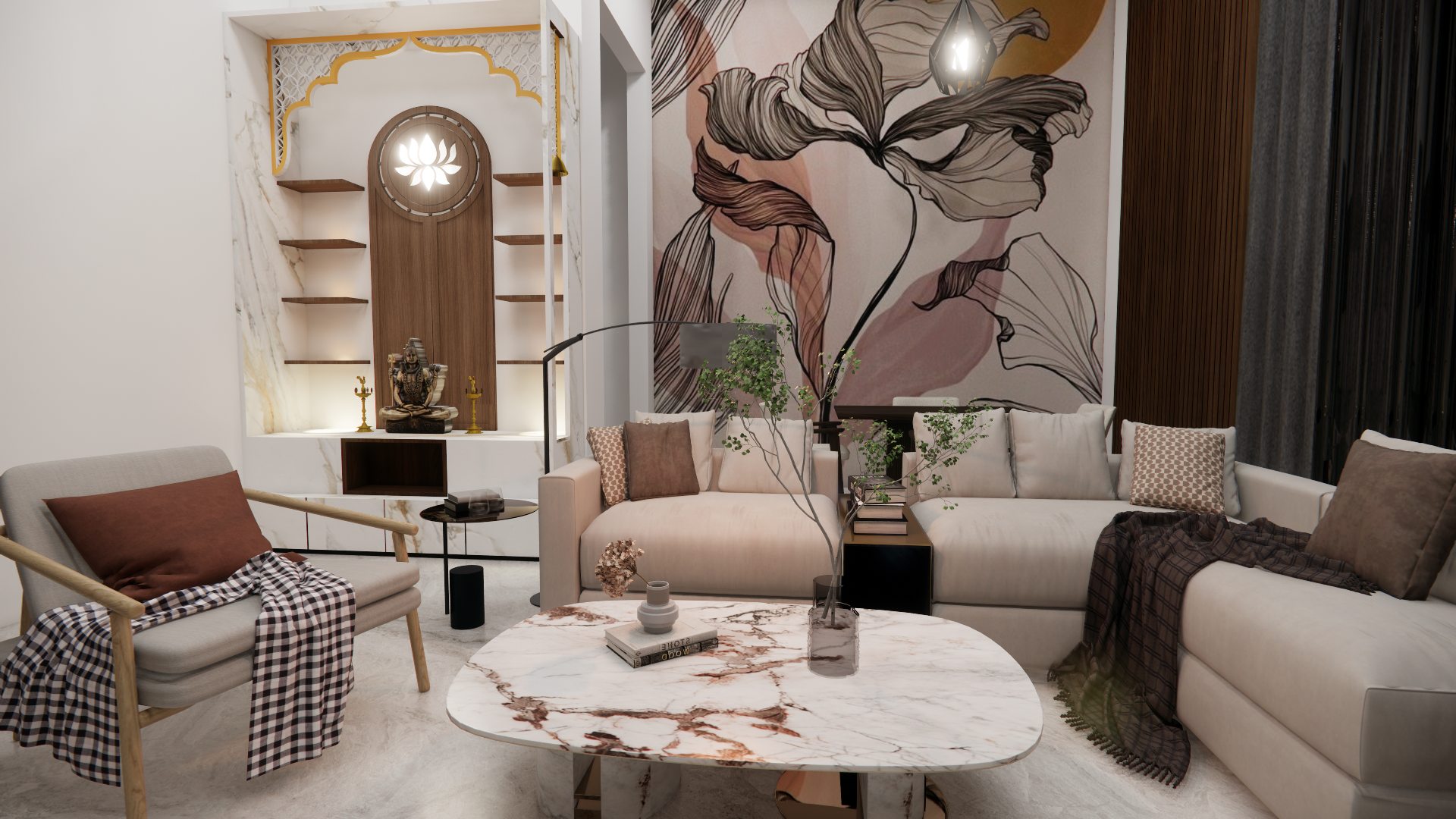 | Interior Full Home Interior Designing (Turnkey Projects) Complete interior solutions from design to execution, including furniture, décor, modular kitchen, wardrobes, painting, lighting, and civil work. View product → |
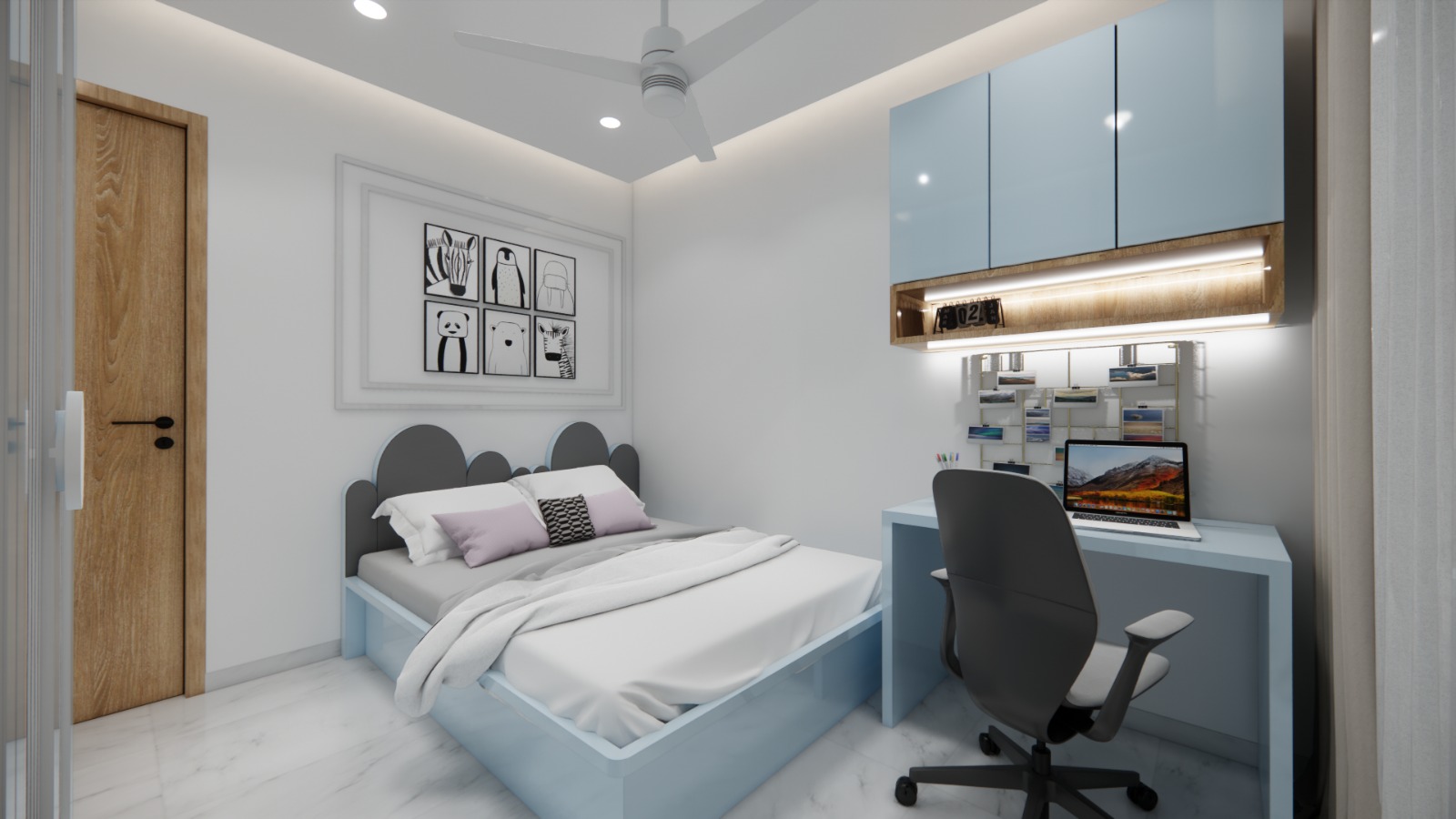 | Interior Transform your bedroom into a cozy, stylish and comfortable space. View product → |
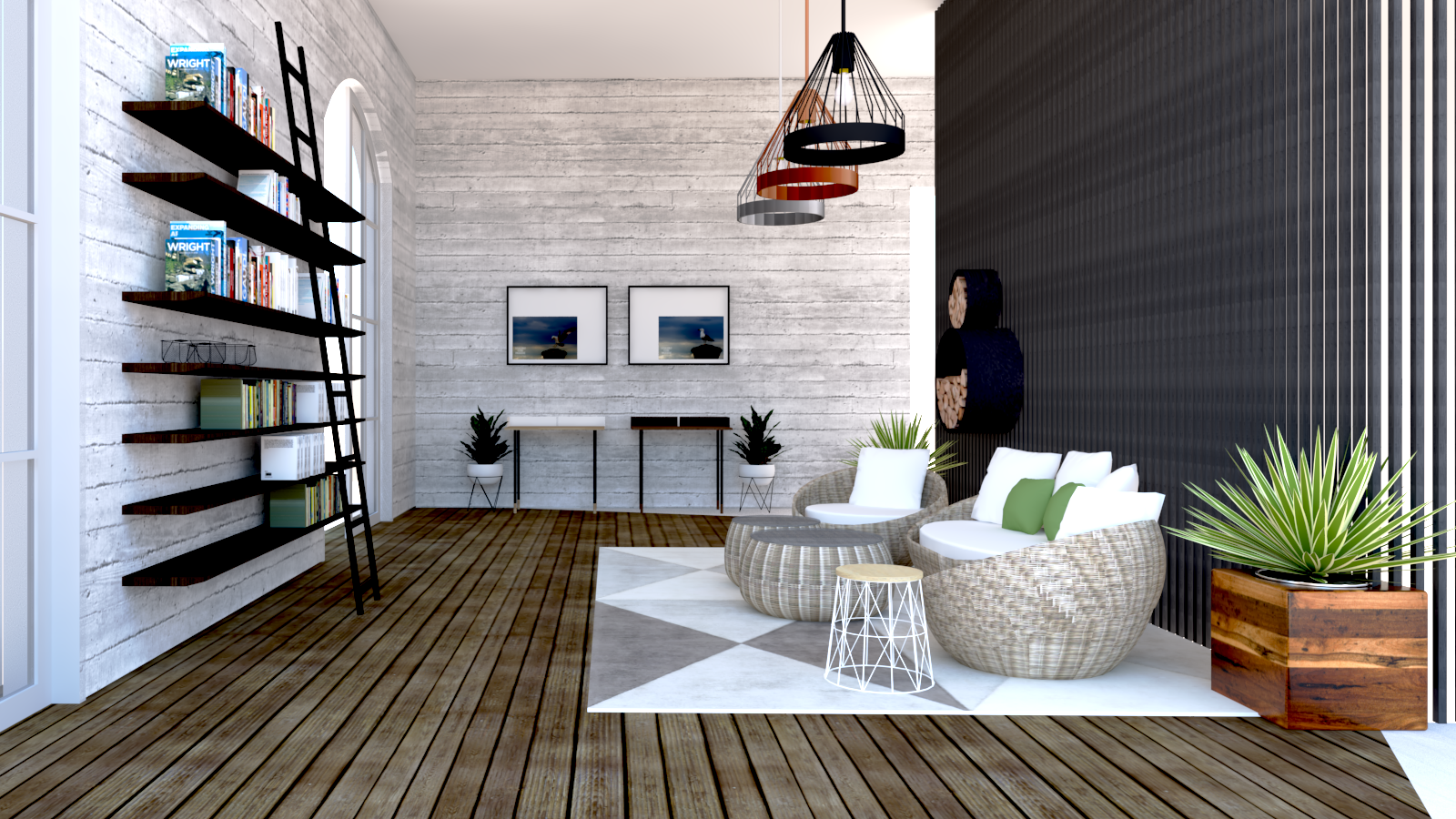 | Interior Home Renovation (Full House Makeover) From demolition to finishing, we manage full home renovation projects. View product → |
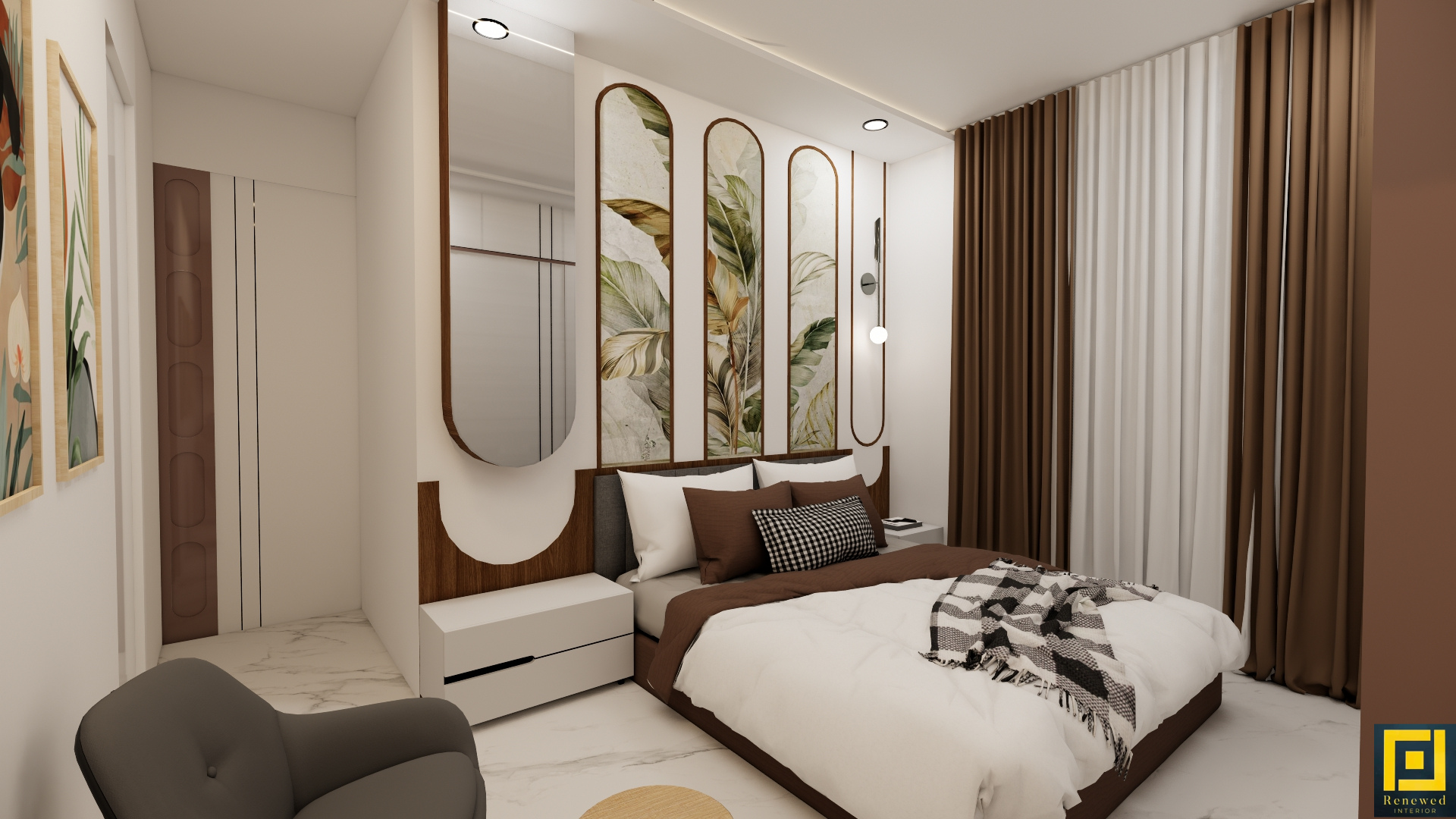 | Interior Modular Furniture (Beds, Study Tables, Storage) Get factory-finished modular furniture such as beds, study tables, storage units, shoe racks, and kitchen trolleys. View product → |